Android TV IPTV Setup
Android TV IPTV setup is usually easiest when you install a player from Google Play, add your authorized account details, then verify guide data, decoding, storage, and Wi-Fi quality. Android TV, ONN TV, and NVIDIA Shiel
Direct Answer
Android TV IPTV setup is usually easiest when you install a player from Google Play, add your authorized account details, then verify guide data, decoding, storage, and Wi-Fi quality. Android TV, ONN TV, and NVIDIA Shield work best when apps are updated and hardware decoding is enabled before deeper troubleshooting.
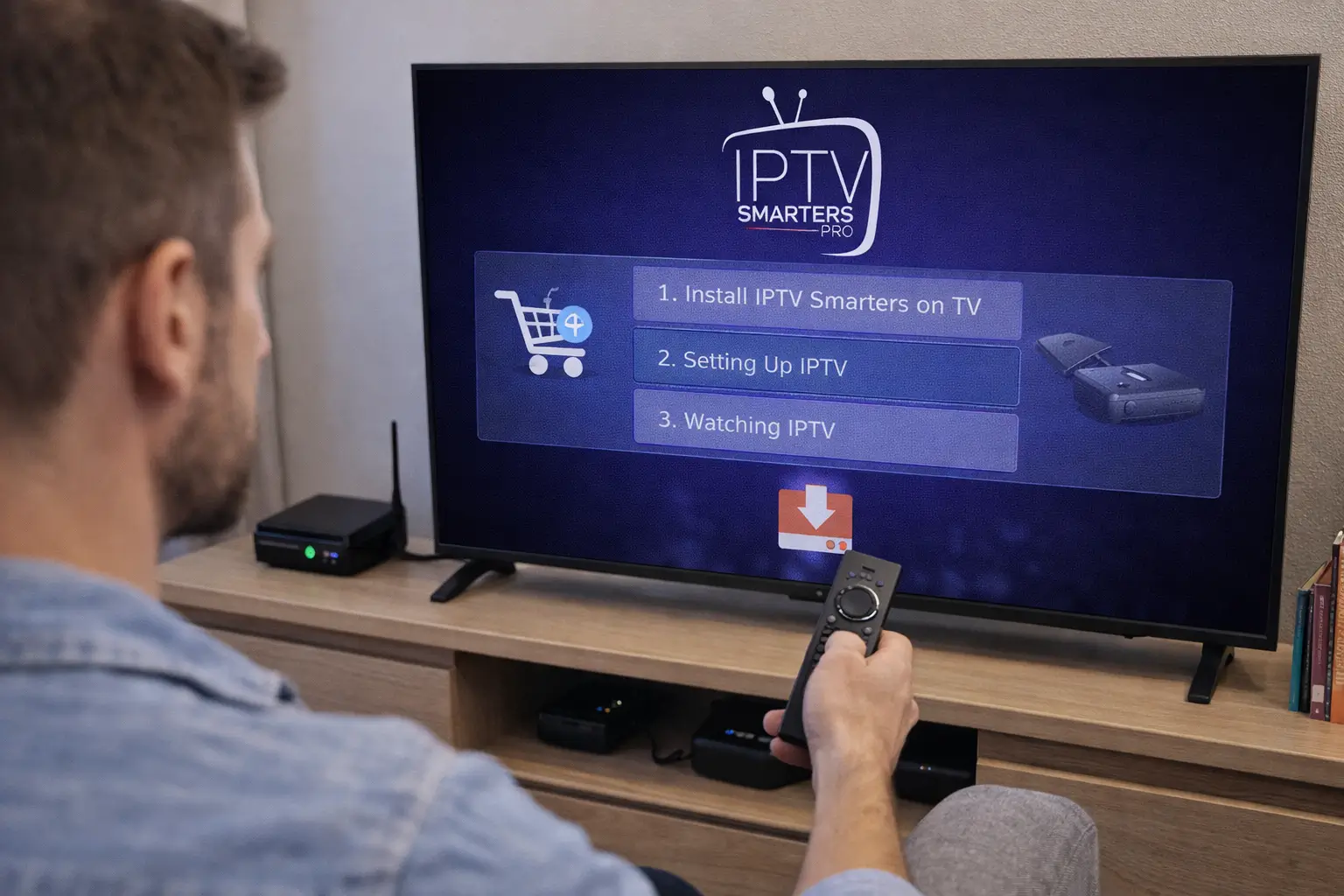
Fluxus editorial boundary: this guide is for legal setup, troubleshooting, device optimization, and streaming stability. It does not provide public playlist directories, modified apps, unauthorized live sports sources, or unsupported content access instructions.
Quick Fix Summary
- Install the player from Google Play whenever possible.
- Update Android TV firmware before adding the account.
- Use the exact login method supplied by your provider.
- Set the correct time zone before judging guide data.
- Enable hardware decoding if video stutters.
- Test the same account in a second official player if loading fails.
Step-by-Step Solutions
- Open Settings, then System or Device Preferences, and install any available Android TV update.
- Open Google Play and install a supported player such as TiviMate, IPTV Smarters, VLC, or Kodi depending on your needs.
- Restart the Android TV device after installation if it is older, low on storage, or has many background apps.
- Open the player and add the account using the supplied method: server URL with username/password or playlist URL.
- Enter the server URL carefully. A missing slash, wrong protocol, or extra space can stop the account from loading.
- Let the first sync finish. On slower ONN TV boxes, large accounts can take several minutes.
- Open guide settings and confirm the time zone. If the guide is shifted, refresh EPG after correcting time.
- Open playback settings and use hardware decoding first. If video is black but audio plays, test the alternate decoder.
- Check network quality on the Android TV box itself. A phone speed test in another room does not prove the TV device has a stable signal.
- If setup fails, test the same account in VLC or IPTV Smarters. If every app fails, the issue is likely account or provider-side, not Android TV.
Root Cause Explanation
Android TV problems often look like app problems but come from device-level issues: old firmware, low storage, background apps, wrong time zone, or weak Wi-Fi. A good setup separates the account test from the device test so you know whether the login, app, or Android TV box is causing the issue.
Recommended Settings / Tools
- NVIDIA Shield is best for heavier apps and higher-bitrate streams; ONN TV is good for simpler setups.
- Use Ethernet when available, especially for 4K or crowded Wi-Fi environments.
- Keep at least 1 GB of free storage and uninstall unused launchers or background utilities.
- Use hardware decoding as the default playback mode.
- Refresh guide data manually after first login and after account changes.
- Use one main player first; installing several players before testing makes troubleshooting harder.
Cluster Navigation
- Android TV Streaming Optimization Hub
- Best IPTV Setup for Android TV
- Android TV IPTV Buffering
- Best IPTV Apps for Android TV
- Best Android TV Apps for Streaming
- IPTV Buffering Fix Hub
- TiviMate Setup and Troubleshooting Hub
- IPTV Smarters Setup and Troubleshooting Hub
- Firestick IPTV Setup Hub
- VPN for IPTV Streaming Hub
FAQ
Which app should I use first on Android TV?
TiviMate is strong for TV-style guide control, IPTV Smarters is simple for account login, and VLC is useful for compatibility testing.
Why does Android TV load the app but not channels?
The app may be using the wrong login method, the account may be inactive, or the first sync may have failed because of cache or network issues.
Why is the guide time wrong?
The Android TV time zone, app time zone, or provider guide data may be mismatched. Fix device time first, then refresh EPG.
Is Ethernet better than Wi-Fi for Android TV?
Yes. Ethernet removes many signal and interference problems, especially for high-bitrate streams.
Should I factory reset Android TV?
Only as a last resort after updates, cache cleanup, storage checks, decoder tests, and a second-player test fail.
Final Verdict
Android TV IPTV Setup works best when you treat streaming as a system: device, app, network, account, and source legitimacy all matter. Start with the quick checks, use the step-by-step workflow, and return to the pillar page when you need broader support.