IPTV Setup for Beginners
Beginner IPTV setup has five parts: choose the device, install a legitimate player app, enter the account details correctly, test playback, then tune network and guide settings. Do not start by changing VPN, DNS, or buff
Direct Answer
Beginner IPTV setup has five parts: choose the device, install a legitimate player app, enter the account details correctly, test playback, then tune network and guide settings. Do not start by changing VPN, DNS, or buffer settings; prove the basic account and device setup works first.
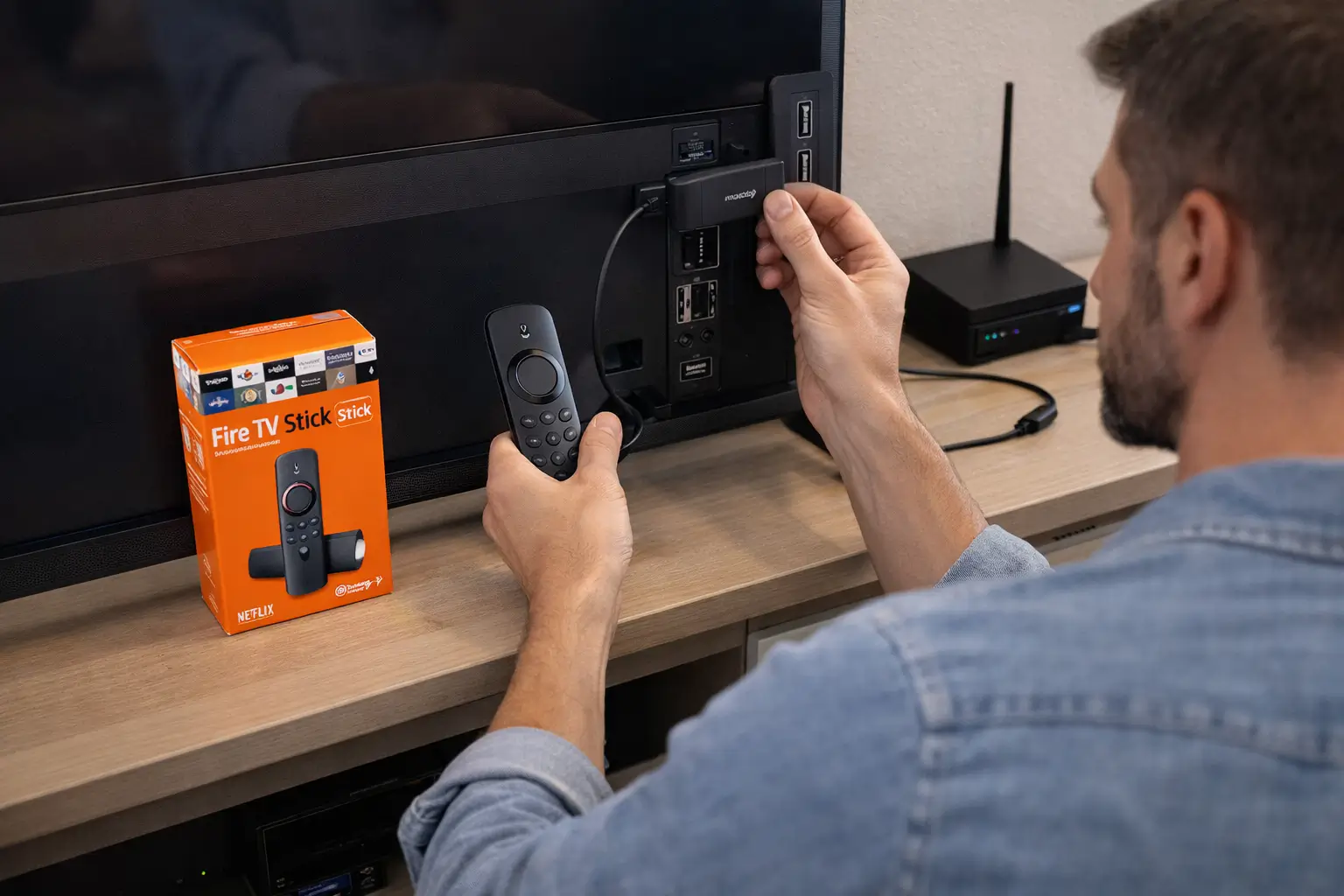
Fluxus editorial boundary: this guide is for legal setup, troubleshooting, device optimization, and streaming stability. It does not provide public playlist directories, modified apps, unauthorized live sports sources, or unsupported content access instructions.
Quick Fix Summary
- Use one device and one player app for the first setup.
- Install apps only from official stores or developer sources.
- Use the exact login method your authorized provider gives you.
- Test with VPN off first, then compare VPN later.
- Check time zone before troubleshooting guide problems.
- Write down the device model, app version, and error message if support is needed.
Step-by-Step Solutions
- Choose the main viewing device: Firestick, Android TV, ONN TV, NVIDIA Shield, smart TV, phone, tablet, PC, or Mac.
- Choose a player app that fits the device. TiviMate is strong on TV-style Android devices, IPTV Smarters is simple for login-based setup, and VLC is good for testing compatibility.
- Install the player from the official app store. If the store does not carry it, use the developer's official page only.
- Prepare your account details before opening the app: server URL, username, password, or playlist URL, depending on what your provider supplies.
- Open the player and add the account. Check capitalization, spaces, slashes, and whether the server URL starts with the correct protocol.
- Wait for channel categories and guide data to load. Do not switch apps or force close during the first sync.
- Test one live channel for two minutes. Then test guide data and one second category.
- If live TV works but guide data fails, check time zone and refresh EPG.
- If login fails, re-enter credentials and test the same account in another official player.
- If playback buffers, troubleshoot Wi-Fi, storage, cache, and hardware decoding before changing providers or reinstalling everything.
Root Cause Explanation
Beginners often fail because they mix too many variables at once. They install several apps, change VPN, type long credentials manually, and judge the service before the first sync is finished. A reliable setup isolates one device, one player, one login method, and one test channel.
Recommended Settings / Tools
- Start with VPN off for the first successful login test.
- Use Ethernet or strong 5 GHz Wi-Fi when possible.
- Keep device storage clean before testing playback quality.
- Enable hardware decoding on TV boxes and Firestick when video stutters.
- Refresh guide data after first login and after any account change.
- Keep your login details stored securely outside the app before clearing data.
Cluster Navigation
- Firestick IPTV Setup Hub
- How to Set Up IPTV on Firestick
- How to Install IPTV Apps on Firestick
- Firestick Streaming Setup Guide
- Firestick Streaming Lag Fix
- IPTV Buffering Fix Hub
- TiviMate Setup and Troubleshooting Hub
- IPTV Smarters Setup and Troubleshooting Hub
- Android TV Optimization Hub
- VPN for IPTV Streaming Hub
FAQ
What should a beginner set up first?
Set up the device and player app first, then add account details, then test playback. Leave VPN and advanced settings for later.
Which IPTV app is easiest for beginners?
IPTV Smarters is often easier for account login, while TiviMate is better for users who want a TV-style guide on Android TV or Firestick.
Why does my first setup fail?
Wrong login mode, mistyped URL, expired account, weak Wi-Fi, low storage, or app cache are the most common causes.
Should I change DNS during setup?
No. Only test DNS after the basic account and app setup have already worked.
Does Fluxus provide playlists or channels?
No. Fluxus provides setup and troubleshooting guidance only, not playlist directories or unauthorized channel access.
Final Verdict
IPTV Setup for Beginners works best when you treat streaming as a system: device, app, network, account, and source legitimacy all matter. Start with the quick checks, use the step-by-step workflow, and return to the pillar page when you need broader support.